
Gaming Monitor Buying Guide
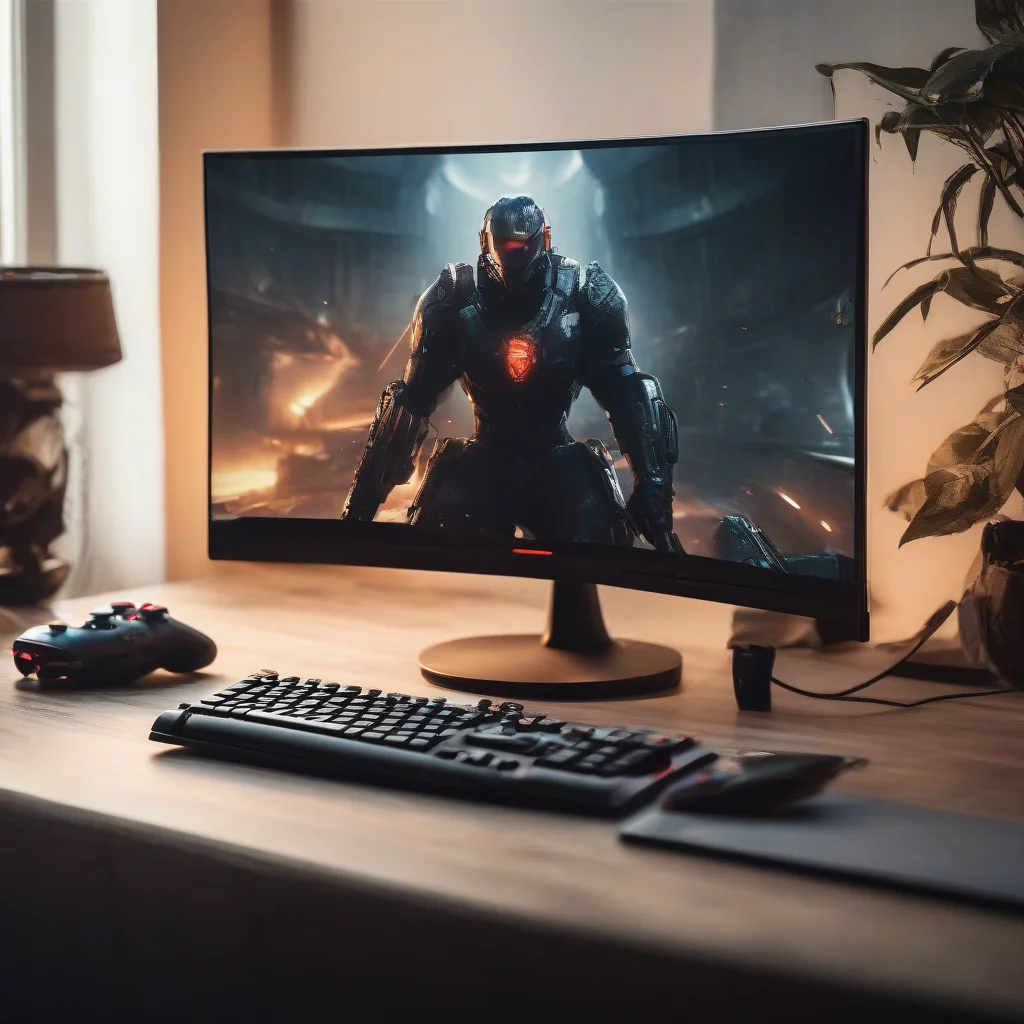
When it comes to gaming, a good monitor can make all the difference. A gaming monitor can provide a more immersive and engaging experience, with features such as high refresh rates, fast response times, and vibrant colors. But with so many options available, it can be hard to know what to look for in a gaming monitor. In this article, we’ll take a closer look at the key factors to consider when buying a gaming monitor, and what features are worth paying extra for.
Understanding Refresh Rates and Response Times
Two of the most important factors to consider when buying a gaming monitor are refresh rates and response times. Refresh rates refer to how often the monitor updates the image on the screen, measured in hertz (Hz). A higher refresh rate means a smoother and more responsive experience, especially in fast-paced games. Response times, on the other hand, refer to how quickly the monitor can change the color of a pixel, measured in milliseconds (ms). A lower response time means less blurring and ghosting, resulting in a clearer and more defined image.
Panel Types and Color Accuracy
Another important factor to consider is the type of panel used in the monitor. There are three main types of panels: TN (twisted nematic), IPS (in-plane switching), and VA (vertical alignment). TN panels are the most common and offer fast response times, but may lack in terms of color accuracy and viewing angles. IPS panels, on the other hand, offer excellent color accuracy and wide viewing angles, but may have slower response times. VA panels offer a good balance between color accuracy and response times, but may have limited viewing angles.
G-Sync and FreeSync Technology
G-Sync and FreeSync are two technologies that help to eliminate screen tearing and stuttering in games. G-Sync is developed by NVIDIA, while FreeSync is developed by AMD. Both technologies work by synchronizing the monitor’s refresh rate with the graphics card’s frame rate, resulting in a smoother and more responsive experience. If you have an NVIDIA graphics card, look for a monitor with G-Sync technology, while if you have an AMD graphics card, look for a monitor with FreeSync technology.
Resolution and Display Size
When it comes to resolution and display size, there are many options available. The most common resolutions are 1080p (1920×1080), 1440p (2560×1440), and 4K (3840×2160). A higher resolution means a sharper and more detailed image, but may require a more powerful graphics card to drive. Display size is also an important factor, with options ranging from 24 inches to 32 inches and beyond. A larger display size means a more immersive experience, but may require a higher resolution to maintain image quality.
Additional Features to Consider
In addition to the key factors mentioned above, there are several other features to consider when buying a gaming monitor. These include HDR (high dynamic range) support, which offers a wider range of colors and contrast levels, and USB ports, which can be useful for connecting peripherals such as keyboards and mice. Some monitors also offer features such as adjustable height and tilt, which can be useful for finding a comfortable viewing position.
FAQ
What is the best gaming monitor for console gaming?
The best gaming monitor for console gaming will depend on the specific console you are using. For example, if you have a PlayStation 5 or Xbox Series X, look for a monitor with HDMI 2.1 support and a high refresh rate. If you have a Nintendo Switch, look for a monitor with a lower input lag and a faster response time.
Do I need a 4K gaming monitor?
Not necessarily. While 4K resolution offers a sharper and more detailed image, it may require a more powerful graphics card to drive. If you have a lower-end graphics card, a 1080p or 1440p monitor may be a better option. However, if you have a high-end graphics card and want the best possible image quality, a 4K monitor may be worth considering.
Can I use a gaming monitor for non-gaming activities?
Yes. Gaming monitors can be used for a variety of non-gaming activities, such as watching movies, browsing the web, and working on documents. In fact, many gaming monitors offer features such as HDR support and wide color gamuts, which can be useful for non-gaming activities. However, if you are looking for a monitor specifically for non-gaming activities, you may want to consider a monitor with a different set of features, such as a higher resolution or a more ergonomic design.